Good and bad passport photo examples
Most rejected photos fail for one of the reasons below. Each group starts with a correct photo, followed by the mistakes to avoid. The photo maker checks for nearly all of these automatically.
Use a plain white or off-white wall with nothing behind you. Patterns, objects, scenery, strong colours and shadows on the wall all lead to rejection — or let the tool replace the background for you.
Accepted
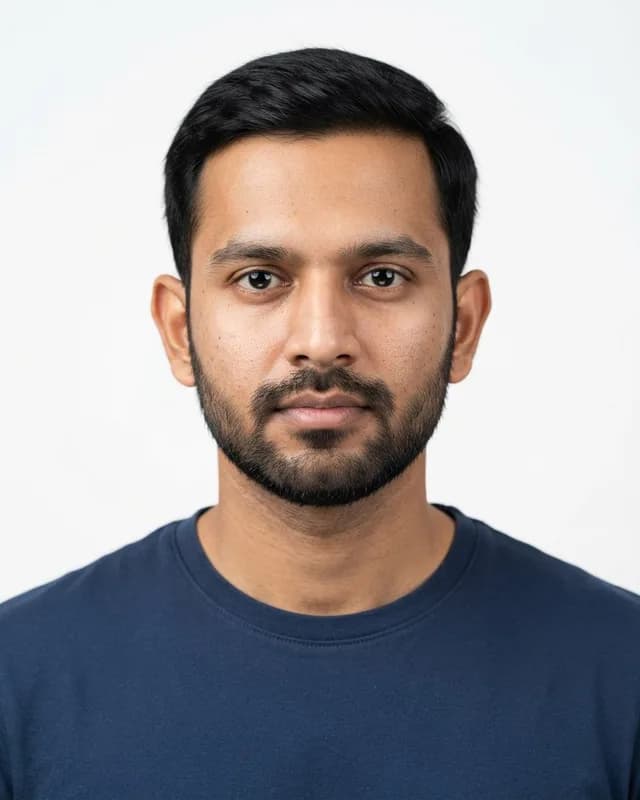
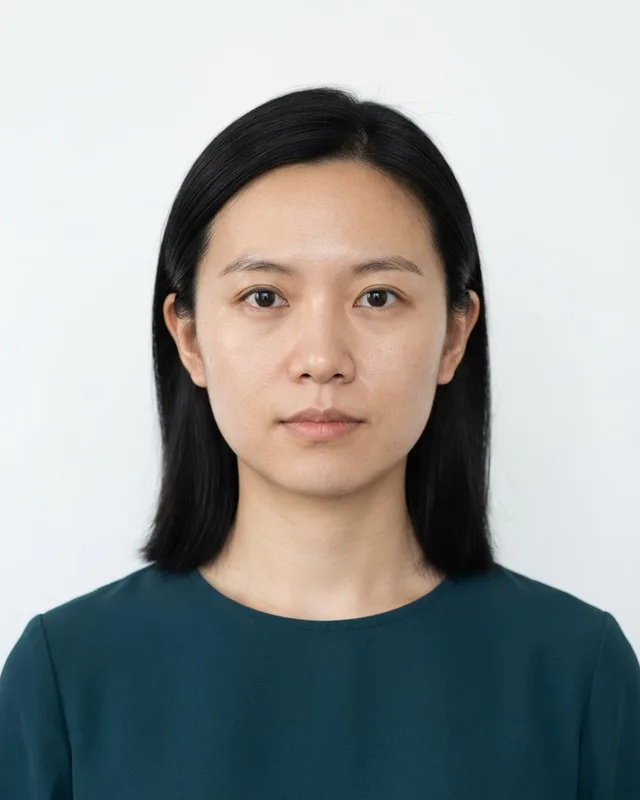
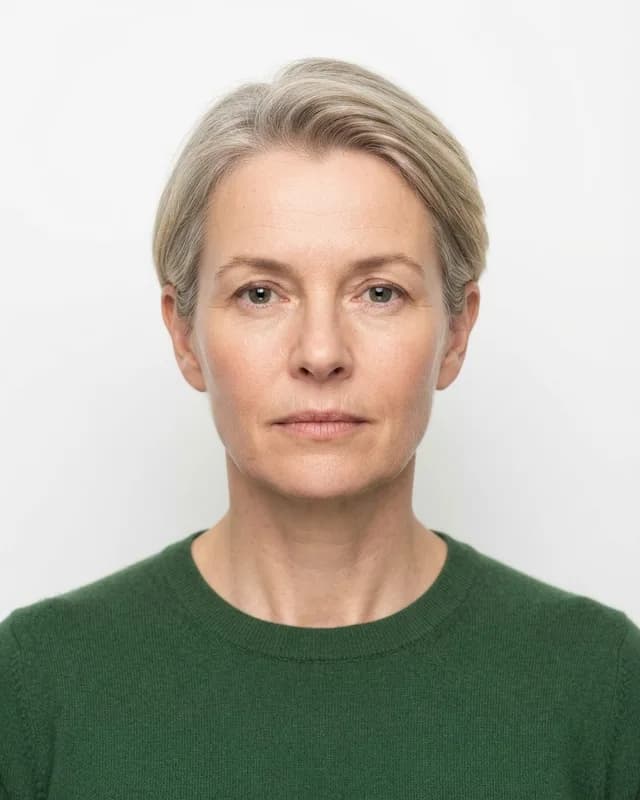
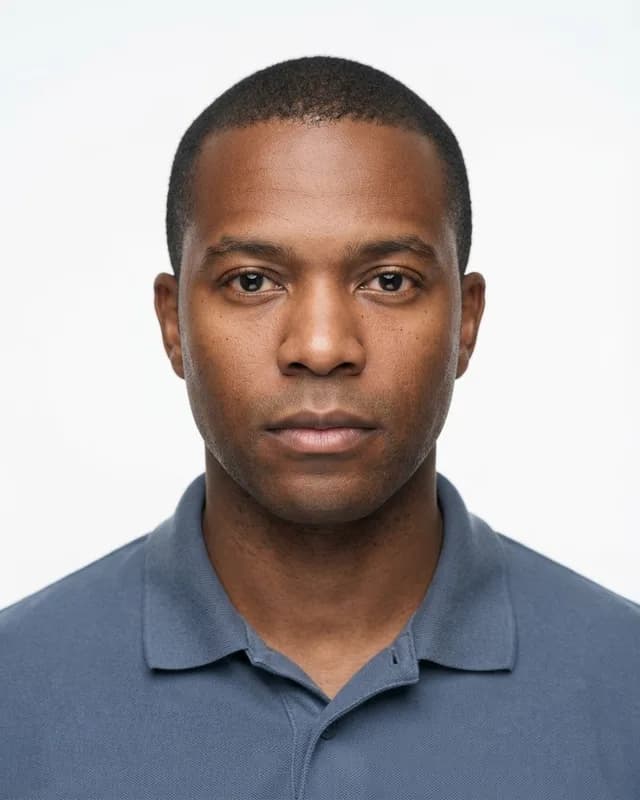
Rejected
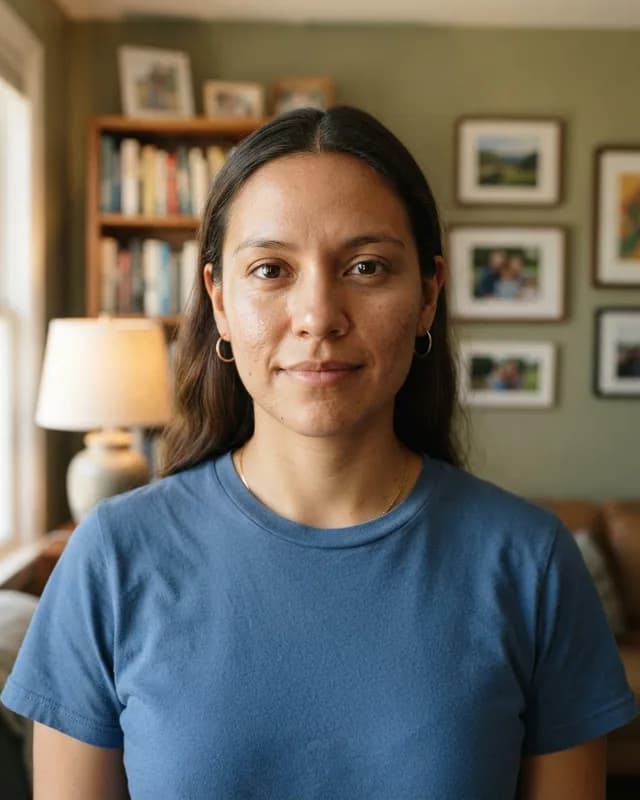
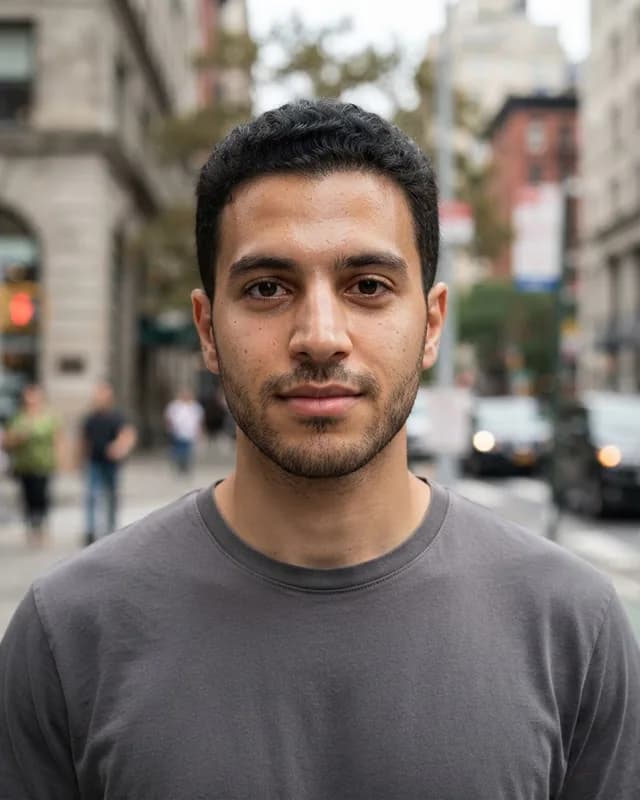
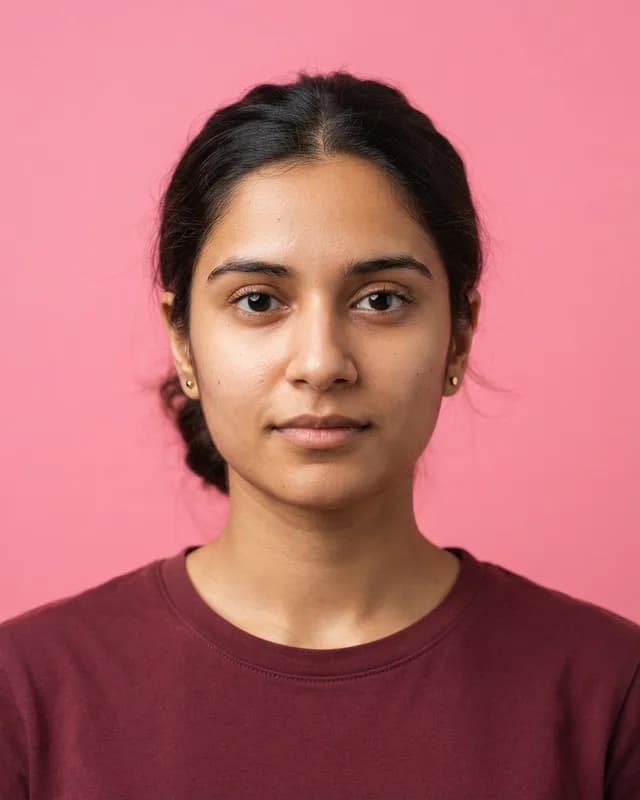
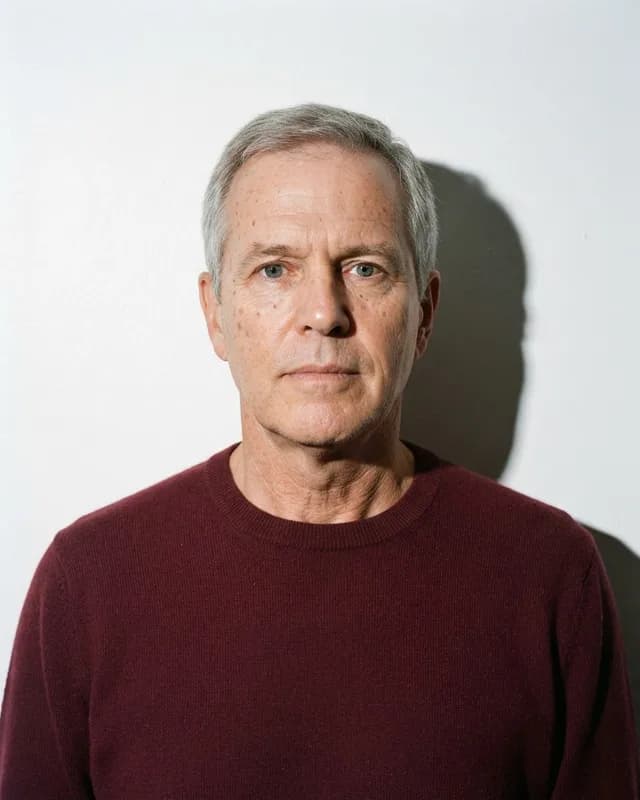
Face the camera squarely with your head upright, centred, and the right size in the frame — the top of the hair and the chin must both be visible.
Accepted
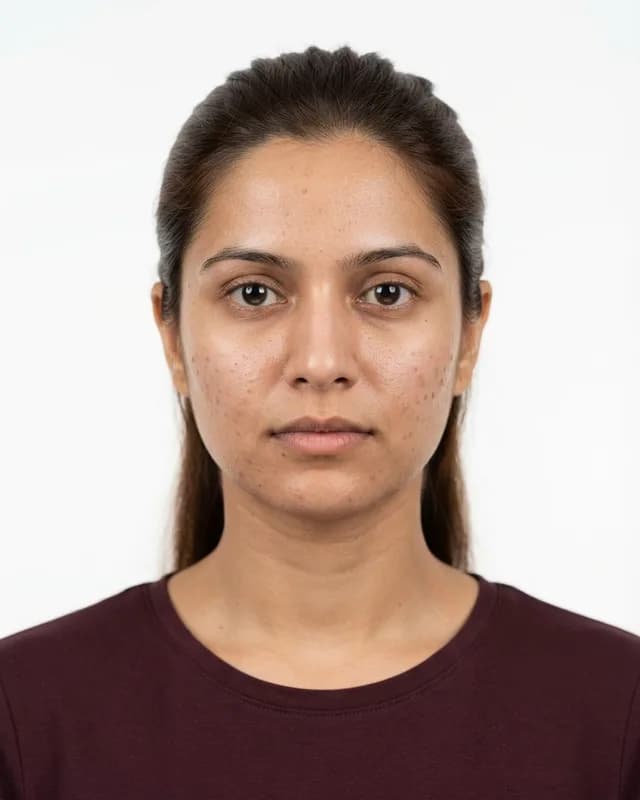
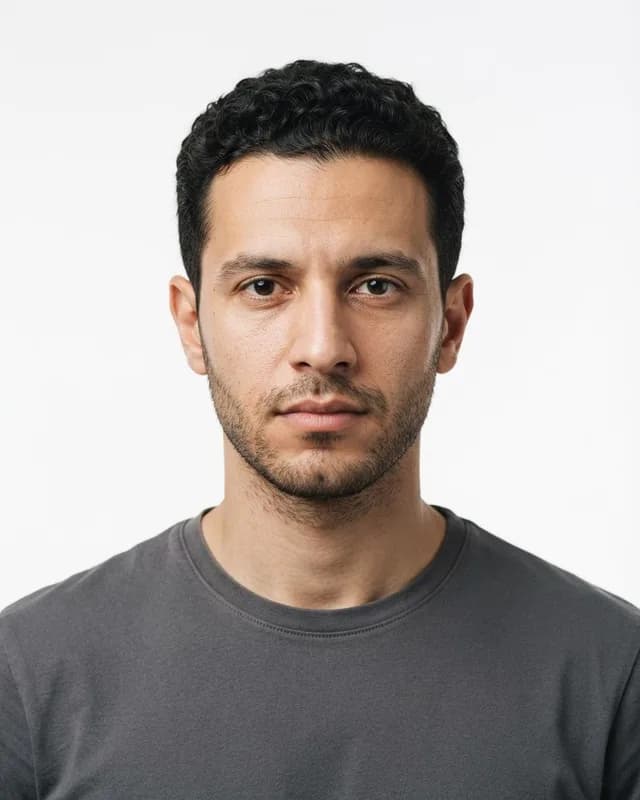
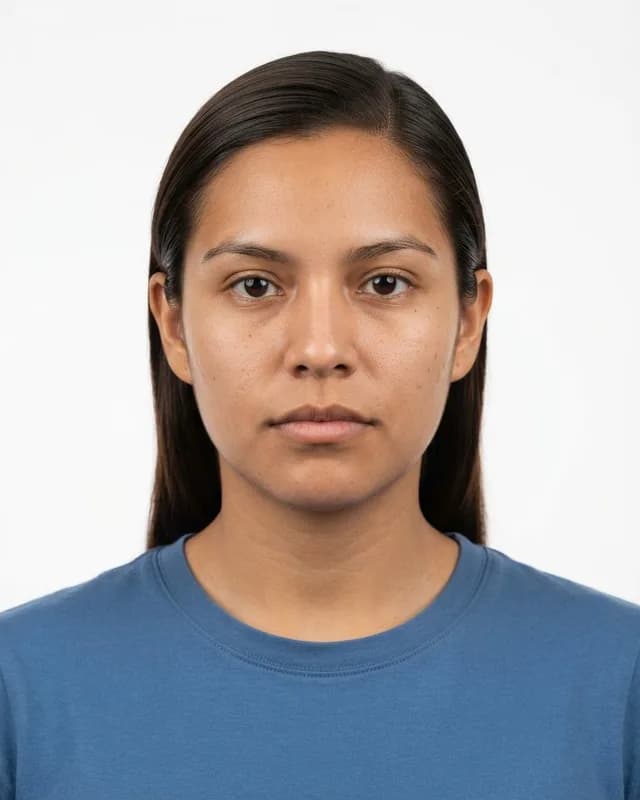
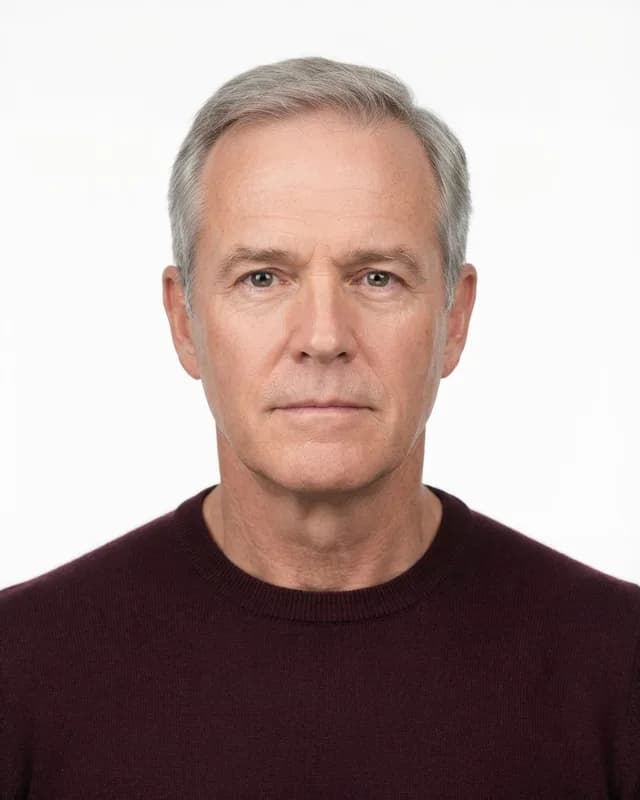
Rejected
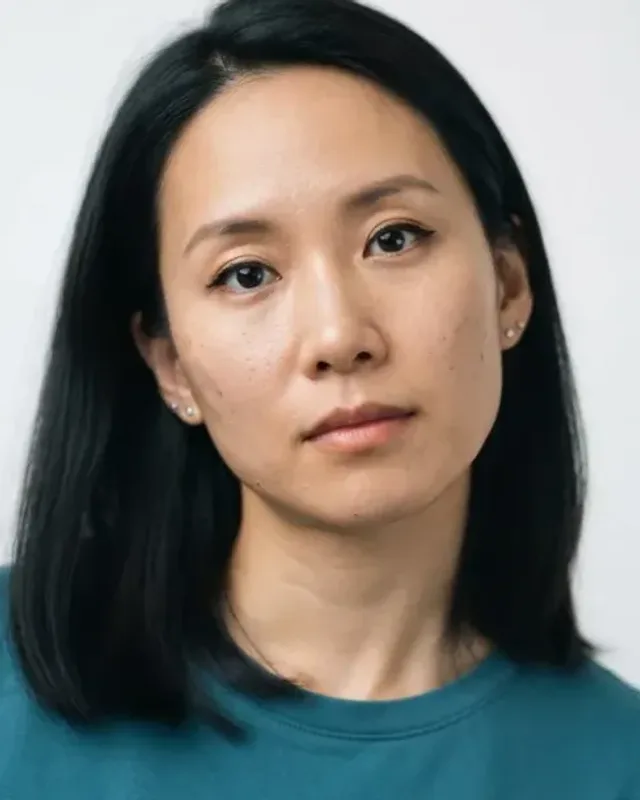
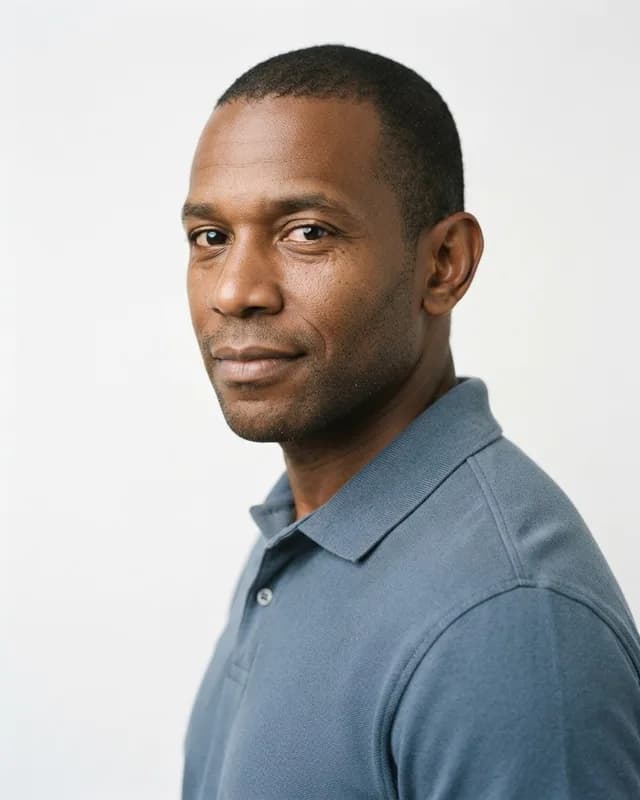
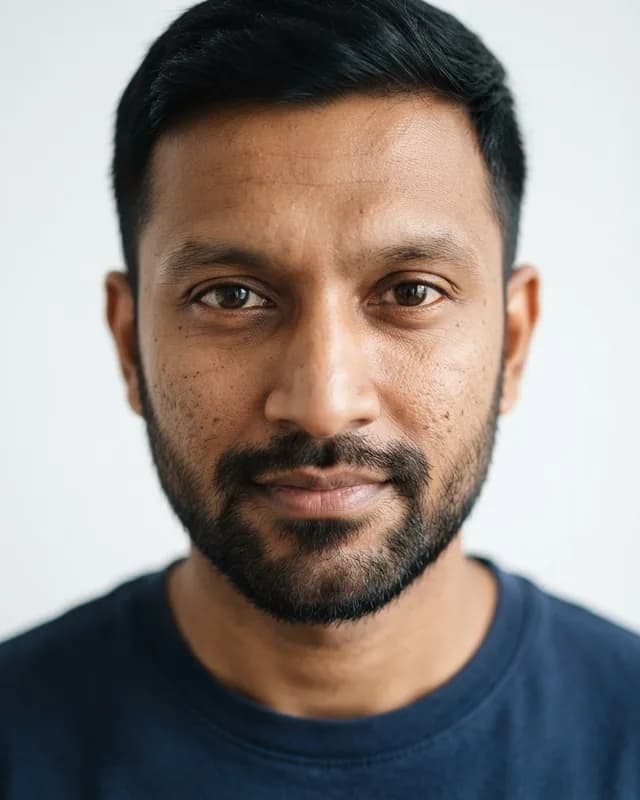
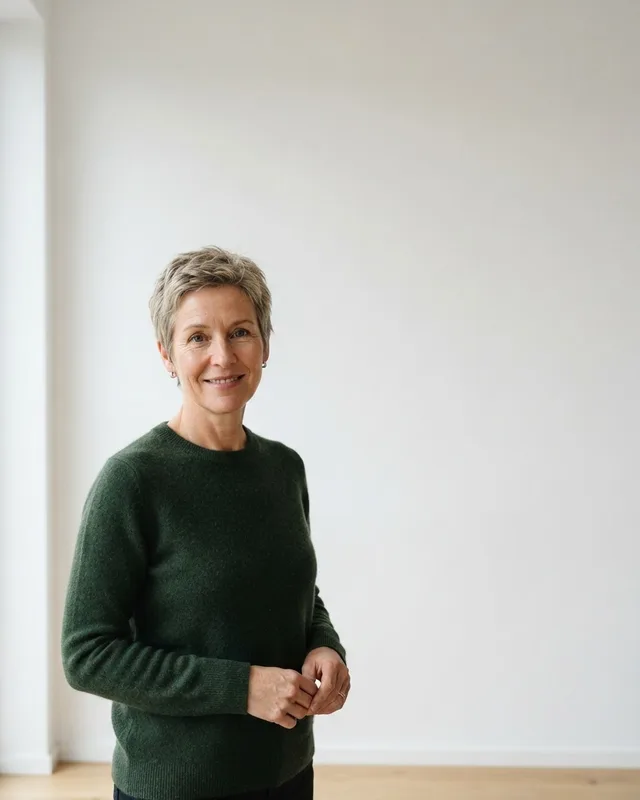
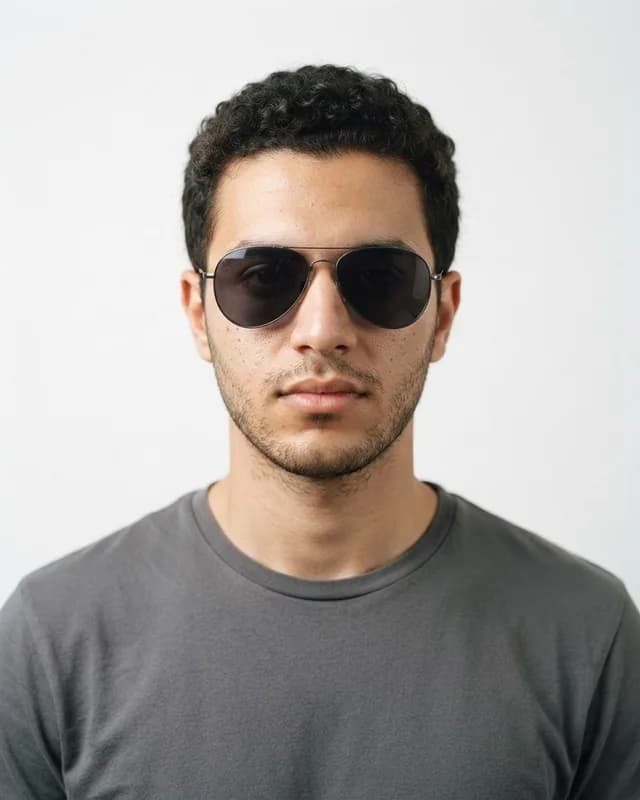
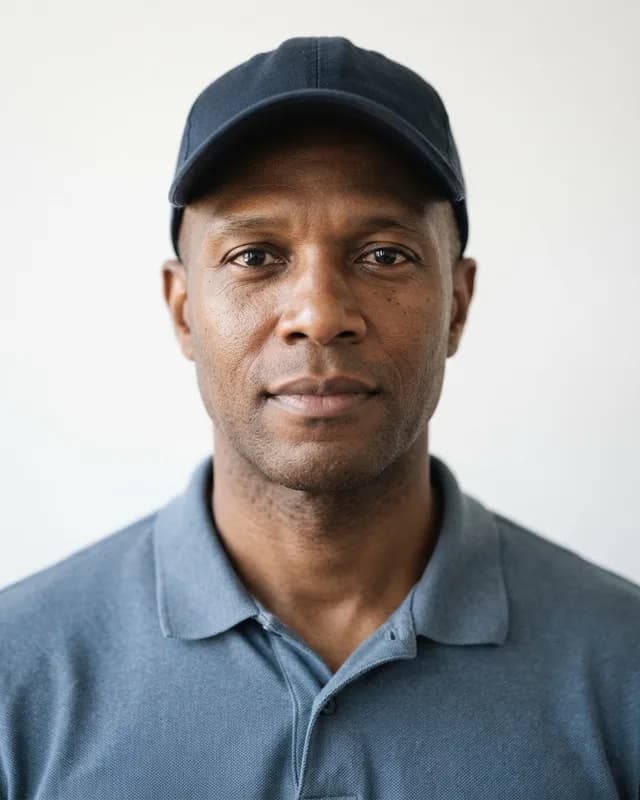
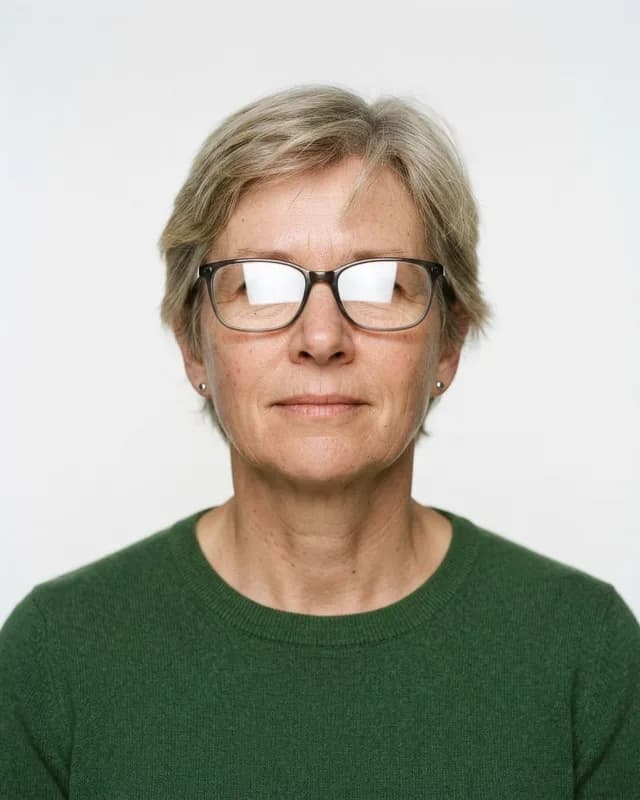
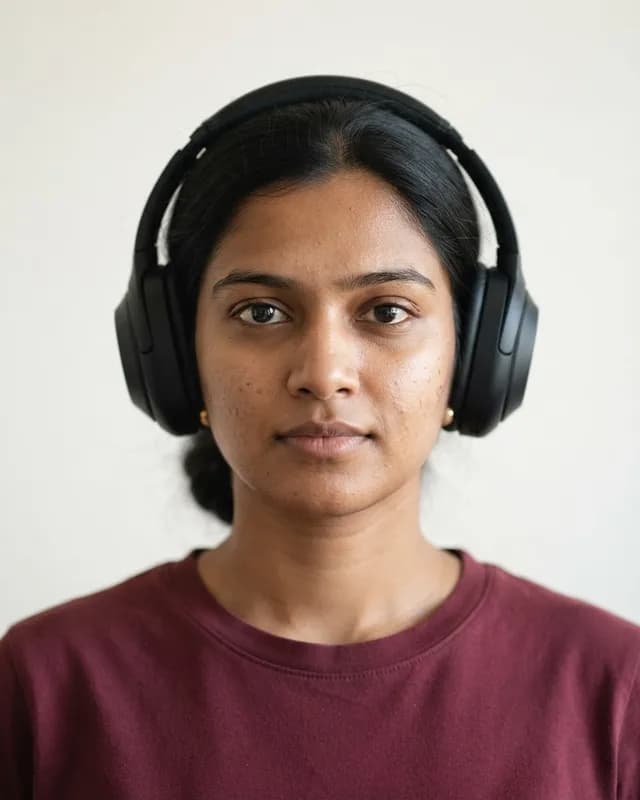
Nothing may hide your eyes or the outline of your face. Remove hats, headphones and tinted glasses; clear glasses only where the country allows them, and never with glare.
Accepted
Rejected
Light the face evenly from the front — a window in front of you is ideal. Side light, dim rooms, flash burn-out and coloured light all change how your face looks.
Accepted
Rejected
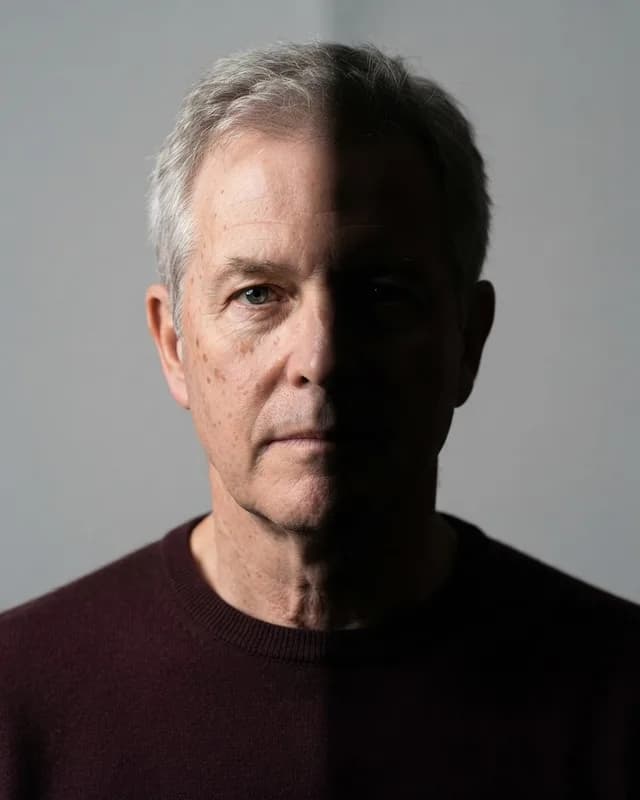
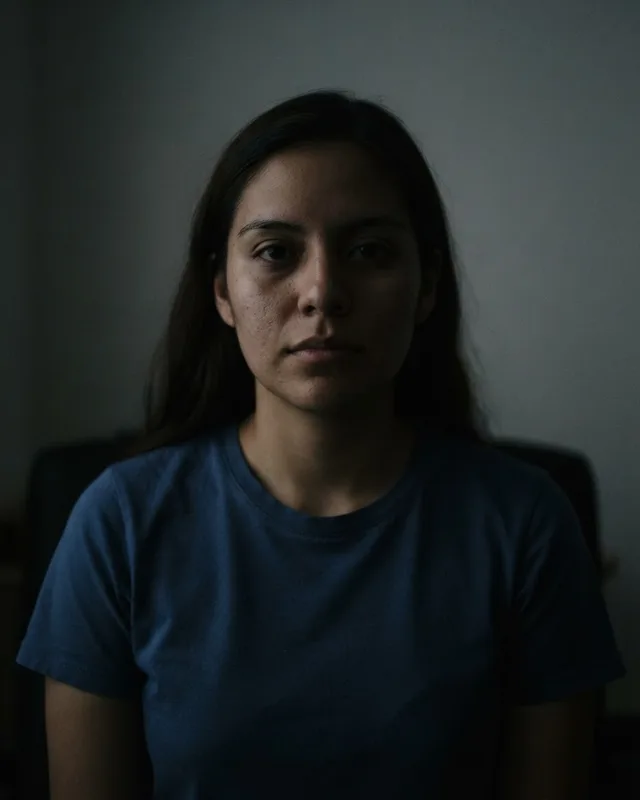
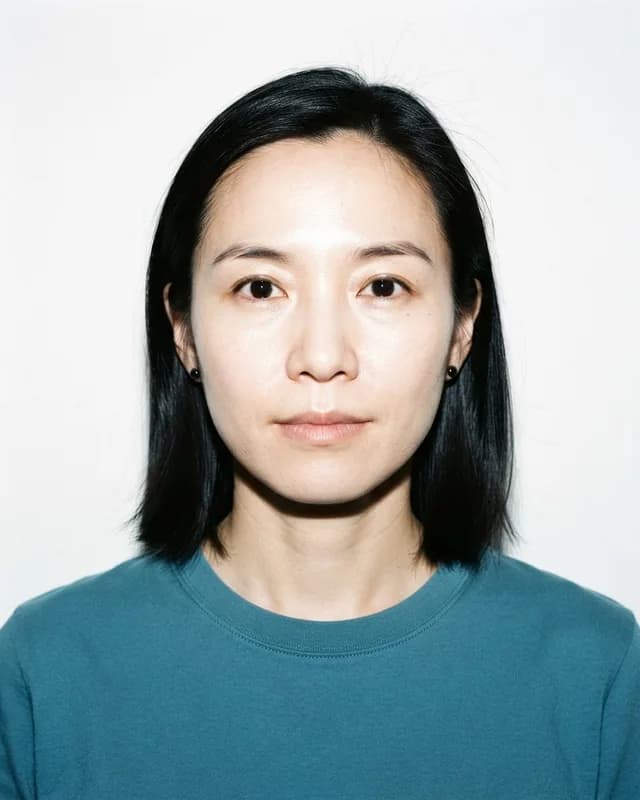
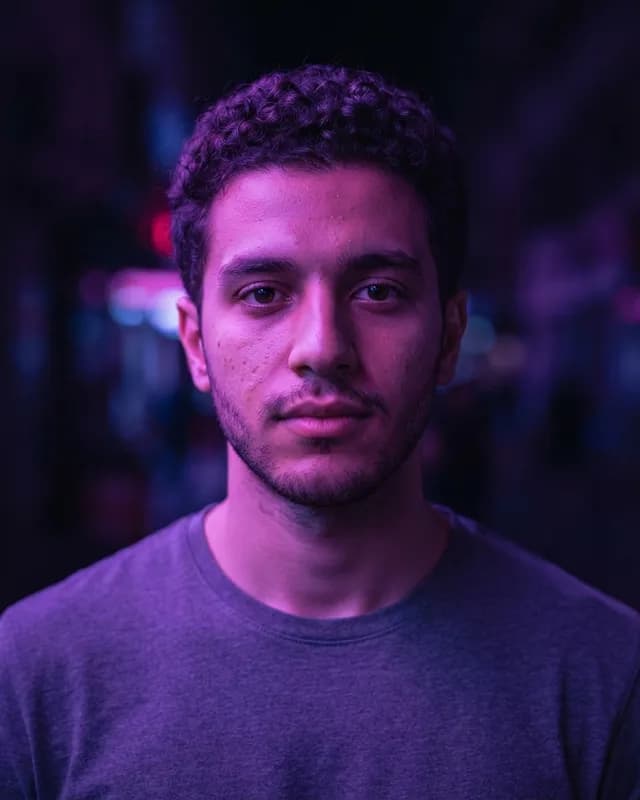
Keep a natural, neutral expression with your mouth closed and both eyes open, looking straight at the lens. Keep hair away from the eyes and eyebrows.
Accepted
Rejected
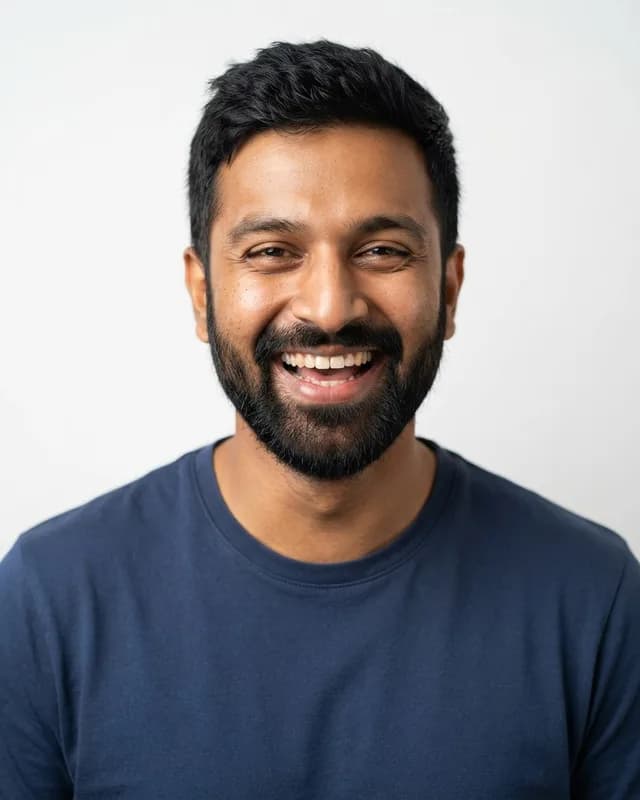
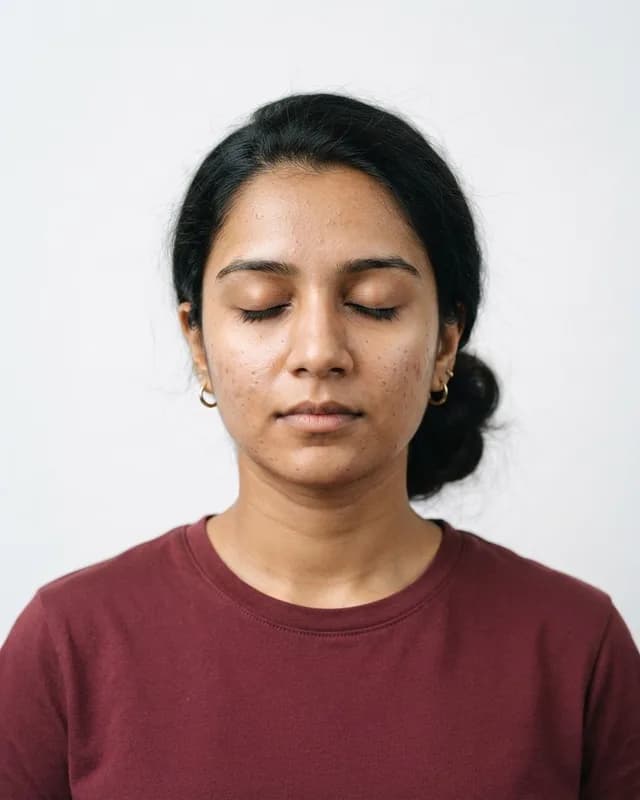
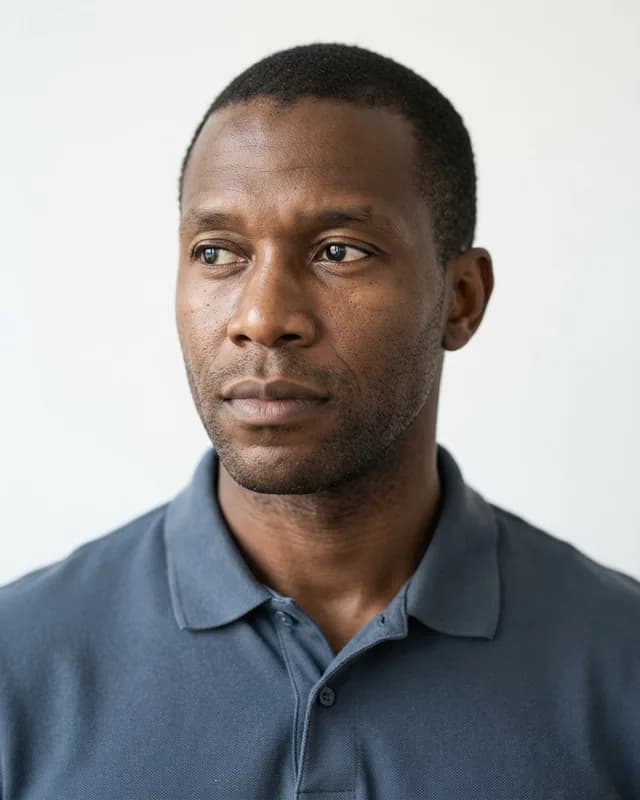
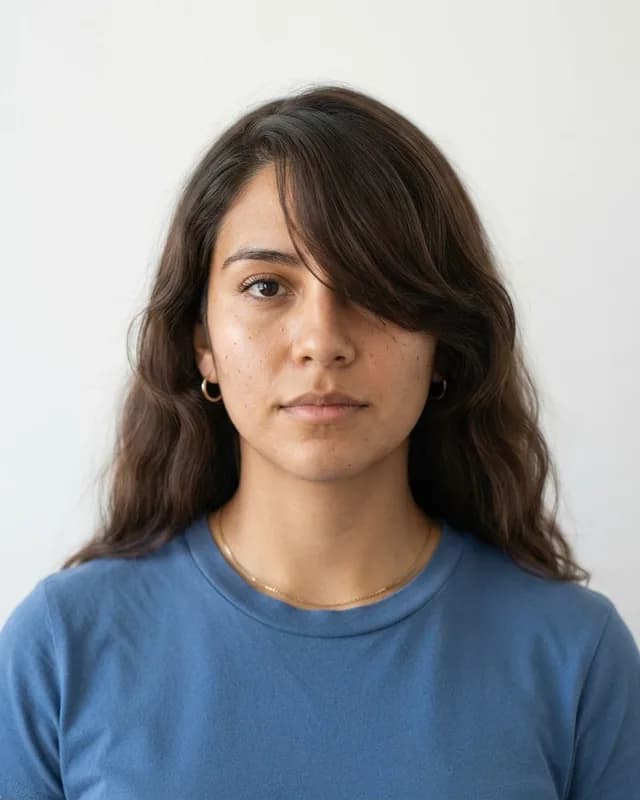
Photos on this page are AI-generated fictional people, not real applicants; the rest are drawings. Examples follow the do's and don'ts in the official Passport / VISA / OCI photograph specification.
Ready? Turn your photo into a compliant, print-ready passport photo.
Make my photo →